Rotate Tool
Select and rotate blocks in your scene.
Drag selection rectangle
Click and drag with the mouse to select blocks within the rectangle's area.
- Normal Drag - Blocks within the rectangle become the new selection.
- Shift-Drag - Toggle selection state of blocks.
- Ctrl-Drag - Add blocks to selection.
- Ctrl-Shift-Drag - Remove blocks from selection.
Rotate gizmo
When one or more blocks is selected, a rotation gizmo will be drawn onscreen. You may click and drag on a circle to rotate the block around a particular axis.
Right click in the middle of an operation to cancel it.
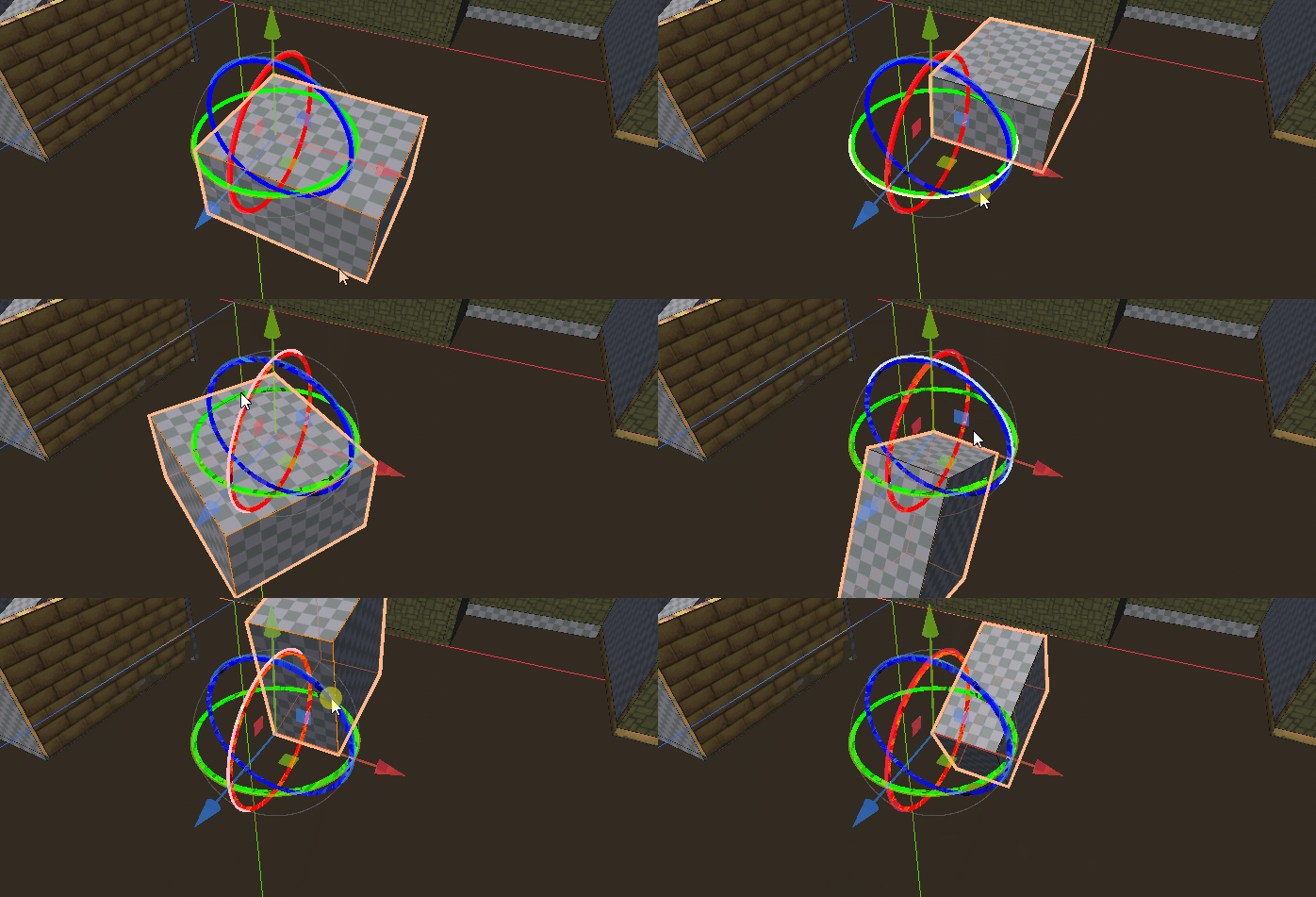
At the moment, this gizmo overlaps Godot's default editor movement gizmo. There is no way to turn Godot's gizmo off, but it also does not affect the movement, so you can just ignore it.
Keypresses
- Escape - Cancel the current movement operation.
- Alt-Q - Switch selection to the block under the cursor.
Support
If you found this software useful, please consider buying me a coffee on Kofi. Every contribution helps me to make more software:
